
Catch-all, role and throwaway addresses: which to keep on your list
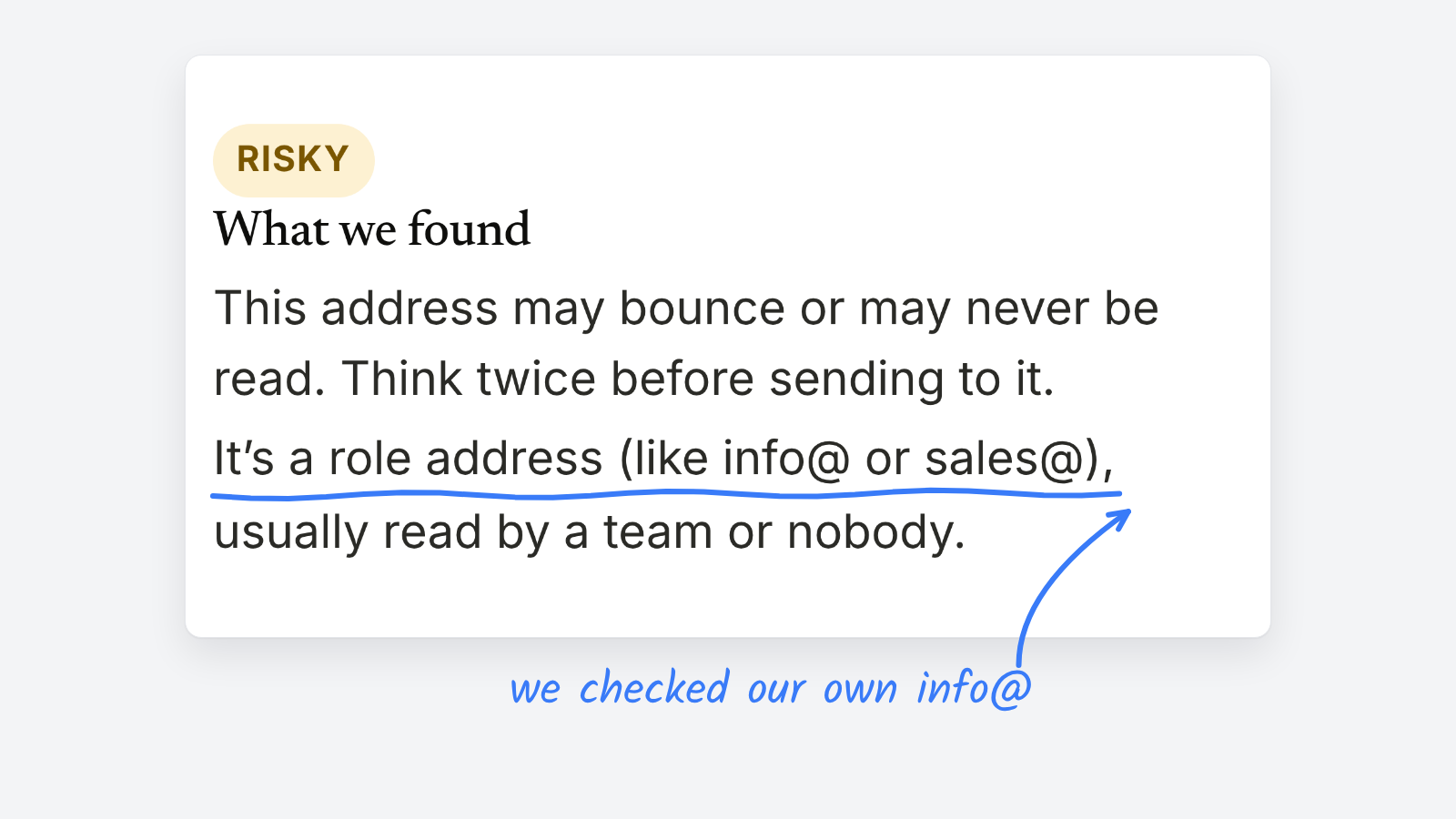
Keep catch-all addresses that open and click, think twice about role addresses like info@, and don’t let throwaway addresses on your list at all. All three pass a format check, which is how they slip onto newsletter lists in the first place.
To check one address before it joins your list, use the free email verifier. It asks the mailbox provider whether the address accepts mail, and flags typos, throwaway inboxes and role addresses.
How do catch-all, role and throwaway addresses compare
| Type | Example | Looks valid? | Main risk | What to do |
|---|---|---|---|---|
| Catch-all | any address at a domain that accepts all mail, like anyone@example.org | Yes, and the server says yes to everything | It may bounce later, or never be read | Keep it if the reader engages. Watch it if they don’t. |
| Role | info@, newsroom@, editor@ | Yes | Read by a team, a forwarding rule or nobody | Allow it when someone asked for it. Don’t bulk-import them. |
| Throwaway | an inbox from a temporary-address service | Yes, for a few hours or days | Expires, then bounces | Block it at signup. |
What is a catch-all email address
A catch-all domain accepts mail for any address, real or not. That means no verifier can confirm the mailbox exists, because the server says yes to everything. When Ghost Finder sees one, it answers “can’t tell”. That’s the honest answer, not a failure.
Catch-alls are common at small organizations, including newsrooms. Don’t remove them on sight. Watch whether they open and click, and treat them like any other reader who’s gone quiet if they stop.
What is a role-based email address
Role addresses belong to a job, not a person: info@, sales@, tips@, editor@. Mail to them is read by a team, by whoever’s on duty, or by nobody. Some forward to a group, so one complaint can come from someone who never signed up.
They have a place. A press list, or a newsletter for a newsroom’s tips desk, may want them. The risk comes from importing them in bulk from a spreadsheet or event list, where nobody behind the address asked for your newsletter.
What is a disposable email address
Disposable addresses are made to be thrown away. People use them to grab a download or a discount without giving a real address. They stop working within hours or days, so every send after that bounces, and bounces count against your sender reputation.
How should you handle these addresses at signup
- Check addresses that look off before they join. Typos like gmial.com get a suggested fix.
- Use confirmed opt-in for anything that offers a download or a giveaway.
- Remove hard bounces after every send.
- Review role and catch-all addresses that haven’t opened in months, and send them one re-engagement email before you remove them.
What can’t an email verifier tell you
A verifier can’t see whether a real person reads the inbox. Some large providers give the same answer for every address, so “can’t tell” will come up often, and no verifier knows more than the provider tells it. Nothing is sent to the address during a check.
For what happens when an address fails, see hard bounce vs. soft bounce. For building a list that stays healthy, see how to build a strong email list.