
One-click unsubscribe: what Gmail and Yahoo require from newsletters
Gmail and Yahoo have enforced one-click unsubscribe since June 2024. Bulk senders must put it in the message headers, not just as a link in the footer, and stop mailing anyone who unsubscribes within two days. Your newsletter platform usually adds the headers. Your job is to check they’re there and that unsubscribes take effect quickly.
One-click unsubscribe sits alongside the authentication rules. You can check your SPF, DKIM and DMARC with the free DMARC checker.
What is one-click unsubscribe
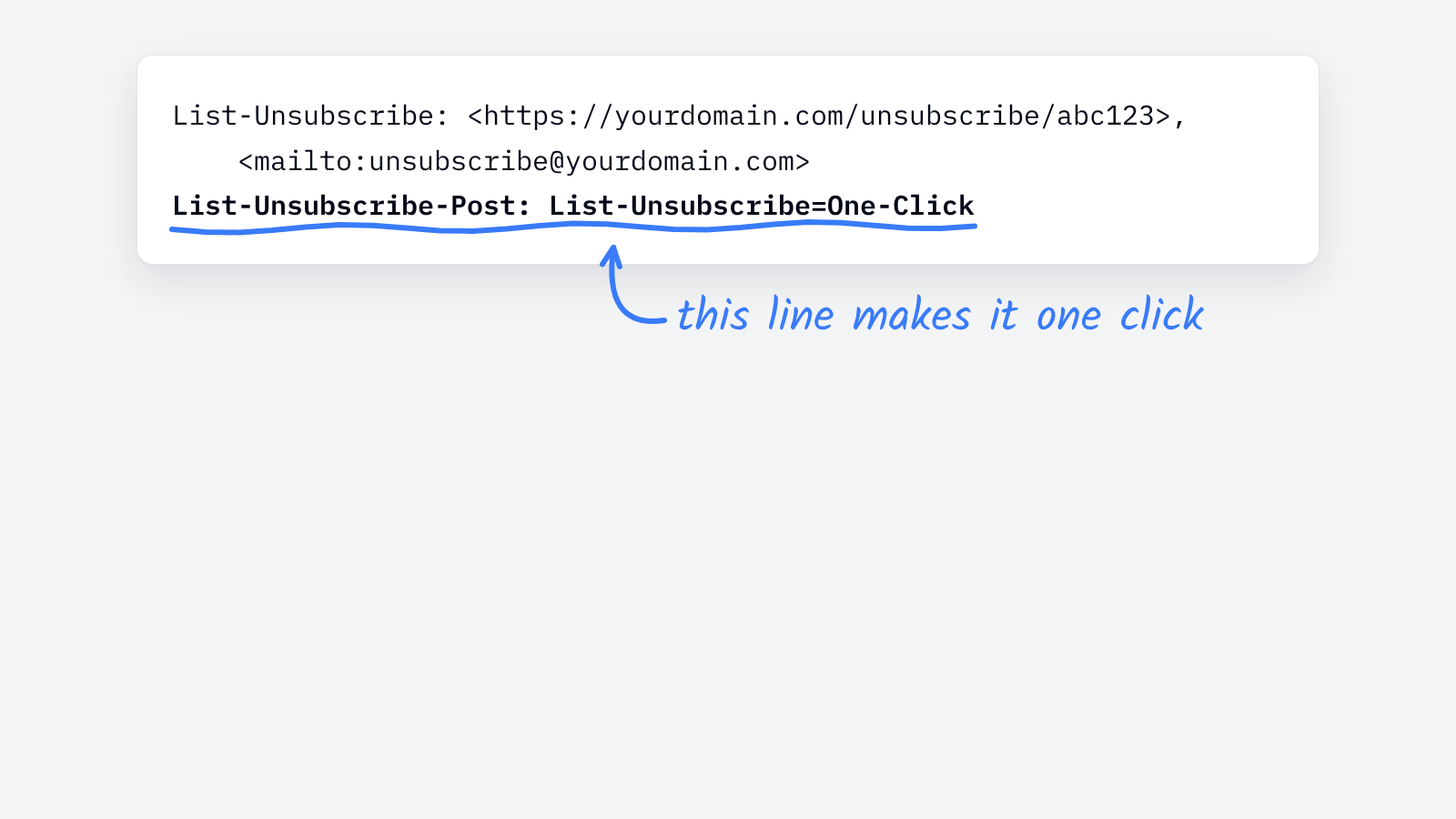
It’s two email headers, defined in RFC 8058:
List-Unsubscribe: <https://yourdomain.com/unsubscribe/abc123>, <mailto:unsubscribe@yourdomain.com>
List-Unsubscribe-Post: List-Unsubscribe=One-Click
With both in place, Gmail and Yahoo show their own unsubscribe button next to your sender name. One click removes the reader, with no login and no “are you sure?” page.
Who has to support it
Google’s sender guidelines apply the rule to bulk senders, meaning anyone who sends more than 5,000 messages a day to personal Gmail accounts. Yahoo’s Sender Hub requires it for promotional and marketing mail. A newsletter that readers subscribe to counts.
Smaller newsletters aren’t required to have it, but there’s little reason not to. A reader who can’t find the unsubscribe link is more likely to click “report spam” instead.
What else do the Gmail and Yahoo sender rules require
| Requirement | Gmail (bulk senders) | Yahoo |
|---|---|---|
| SPF and DKIM | Required | Required. DKIM keys of at least 1024 bits. |
| DMARC | Required. p=none is accepted. |
Strongly urged for every sending domain |
| One-click unsubscribe | Required in the headers | Required for promotional mail, preferably following RFC 8058 |
| Honor unsubscribes | Within two days | Within two days |
| Spam complaints | Stay below 0.1%, never reach 0.3% | No published number. High complaint rates get mail deferred. |
Sources: Google’s Email sender guidelines and Yahoo’s Sender Hub FAQ.
How do you check your newsletter’s unsubscribe headers
- Find the headers. Open a copy of your newsletter in Gmail, choose Show original, and search for
List-Unsubscribe-Post. - Check the link. The
List-Unsubscribeaddress should be a working HTTPS link, ideally alongside a mailto address. - Test it. Unsubscribe a test address with Gmail’s button, and confirm it gets no more issues after two days.
- Keep the footer link too. The headers power the inbox button. Readers still look for a link at the bottom.
If the headers are missing, ask your newsletter platform how to turn them on. Most add them automatically.
For the authentication side of the same rules, see what is DMARC. If your issues are already landing in spam, see why your newsletter is going to spam.