
DMARC record examples, from p=none to reject
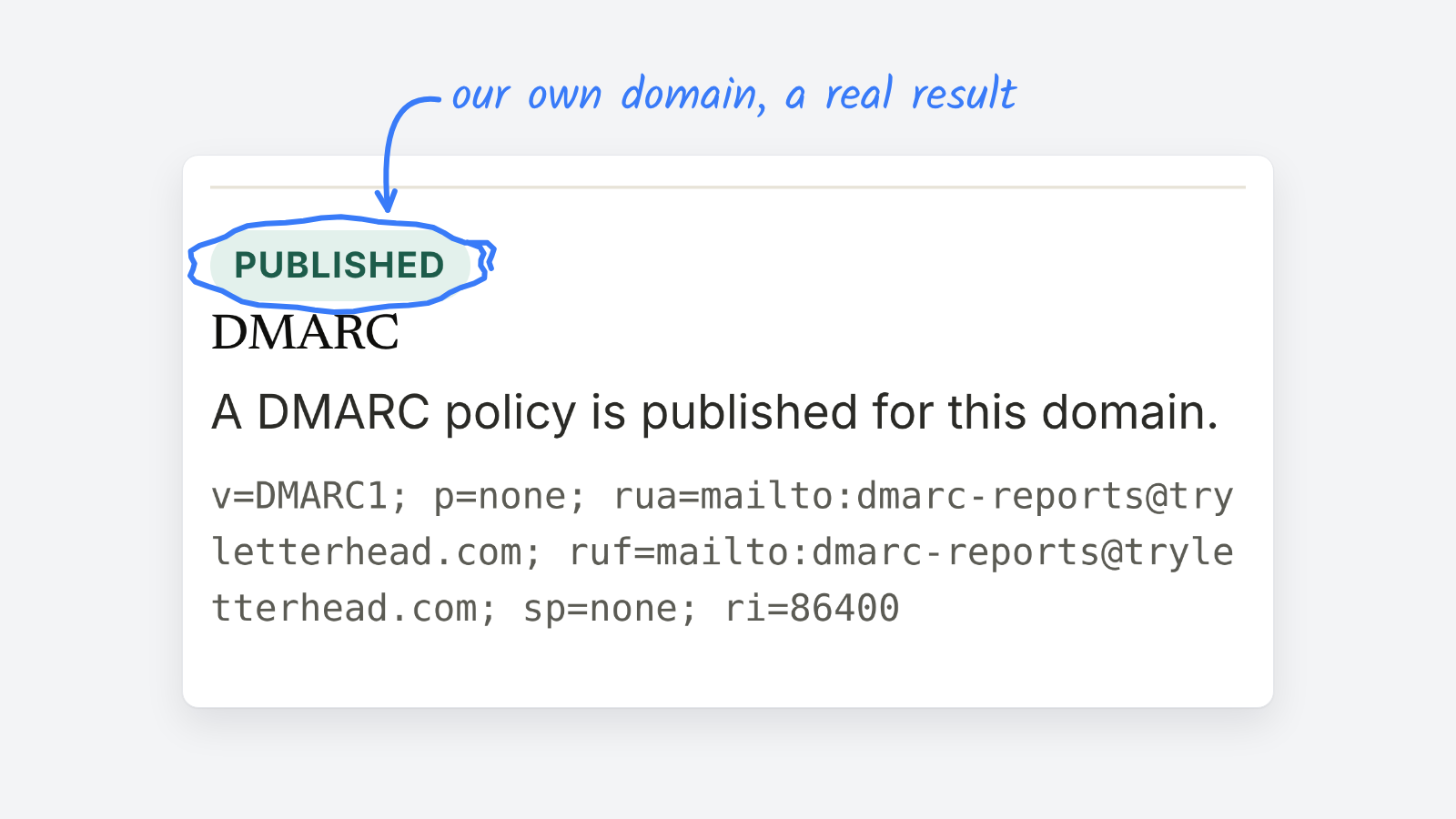
A DMARC record is one TXT record published at _dmarc.yourdomain.com. Most senders start with v=DMARC1; p=none; rua=mailto: plus a reporting address, then tighten to quarantine and reject once their reports show every real sender passing. Below are records for each stage, what each tag means, and the mistakes that break them.
Not sure what you have now? The free DMARC checker looks up your current record, along with SPF and DKIM.
What does a basic DMARC record look like
Host:  _dmarc.yourdomain.com
Type:  TXT
Value: v=DMARC1; p=none; rua=mailto:dmarc-reports@yourdomain.com
That’s a complete, valid record. v=DMARC1 has to come first, p= sets the policy, and rua= says where receivers send their daily summary reports.
DMARC record examples for each stage
| Stage | Record | What it does |
|---|---|---|
| 1. Monitor | v=DMARC1; p=none; rua=mailto:dmarc-reports@yourdomain.com |
Takes no action on failing mail. Sends you reports. Meets Gmail and Yahoo’s requirement for bulk senders. |
| 2. Ease into quarantine | v=DMARC1; p=quarantine; pct=25; rua=mailto:dmarc-reports@yourdomain.com |
Applies quarantine to about a quarter of failing mail. |
| 3. Quarantine | v=DMARC1; p=quarantine; rua=mailto:dmarc-reports@yourdomain.com |
Failing mail usually goes to spam. |
| 4. Reject | v=DMARC1; p=reject; rua=mailto:dmarc-reports@yourdomain.com |
Receivers refuse failing mail. The strongest protection against someone sending as you. |
| Subdomains differ | v=DMARC1; p=reject; sp=quarantine; rua=mailto:dmarc-reports@yourdomain.com |
Rejects failures on the main domain, quarantines them on subdomains. |
Swap in your own domain and a reporting address someone actually reads, or one your DMARC report tool gives you.
What do the DMARC tags mean
| Tag | Required | What it does |
|---|---|---|
v |
Yes | Always DMARC1, and always first. |
p |
Yes | The policy: none, quarantine or reject. |
rua |
No | Where aggregate reports go. Optional, but it’s how you learn who sends as you. |
ruf |
No | Where failure reports go. Many receivers don’t send them. |
sp |
No | A separate policy for subdomains. Without it, subdomains follow p. |
pct |
No | The share of failing mail the policy applies to. The default is 100. |
adkim, aspf |
No | How strictly DKIM and SPF must line up with your From domain: r for relaxed (the default) or s for strict. |
Which DMARC policy should a newsletter use
Start at p=none. Google’s sender guidelines accept it as the minimum, and it begins the reports that tell you what’s sending as your domain.
Then read the reports for a few weeks. A newsletter domain usually has more senders than people expect: the newsletter platform, Google Workspace or Microsoft 365, a CRM, a ticketing tool, a billing system. Each one needs to pass SPF or DKIM, lined up with your From domain, before you tighten the policy. Once they all do, move to quarantine, then reject.
Common DMARC record mistakes
- Two DMARC records. A domain gets one. With two, receivers ignore both.
- The record at the wrong host. It belongs at
_dmarc.yourdomain.com, not at the root of the domain. - Tags out of order.
v=DMARC1must be the first tag, or receivers may skip the record. - Reports going nowhere. An
ruaaddress nobody reads means flying blind. - Jumping straight to reject. If one sender isn’t aligned yet, its mail gets refused. Work through quarantine first.
For what DMARC does and why bulk senders need it, start with what is DMARC. DMARC depends on SPF, so it’s worth checking your SPF record too.