
Double opt-in for newsletters: when it's worth it
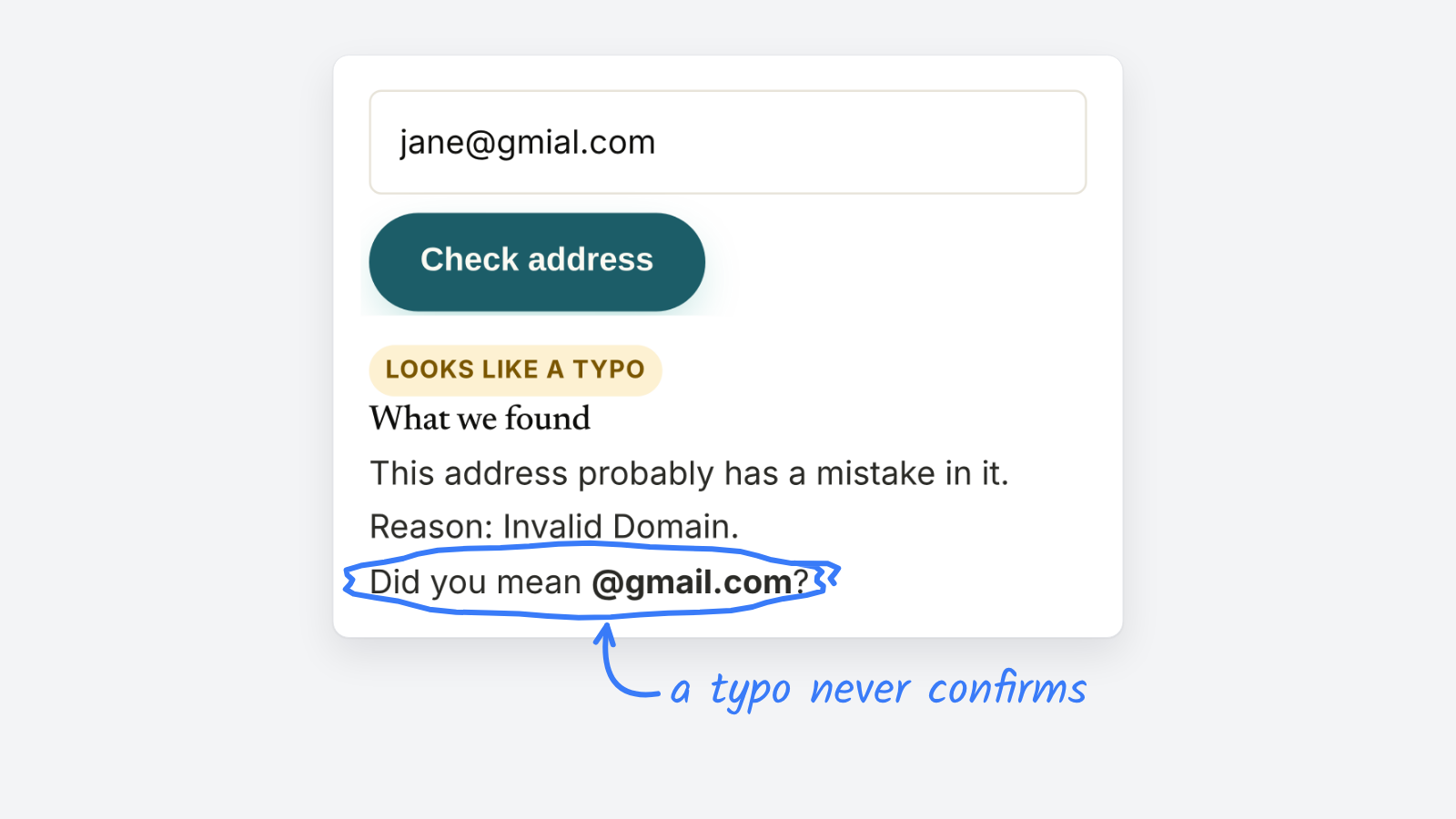
Double opt-in, also called confirmed opt-in, sends new readers a confirmation email before their address joins your list. You’ll lose some signups who never click the link. In exchange, typos, bots and people signing up someone else never reach your list. Turn it on for any form that’s been hit by bot signups, any download or giveaway, and any list where you’re rebuilding your sender reputation.
How does double opt-in work
- A reader enters their address on your signup form.
- Your platform sends one email asking them to confirm.
- They click the link, and only then are they subscribed.
Single opt-in skips step two. The address joins your list the moment the form is submitted.
Single vs. double opt-in
| Single opt-in | Double opt-in | |
|---|---|---|
| When the address joins | As soon as the form is sent | After the reader clicks to confirm |
| Typos like gmial.com | Join the list and bounce | Never confirm, never join |
| Bot and fake signups | Join the list | Never confirm, never join |
| Someone signing up another person | That person starts getting your newsletter | They get one email and can ignore it |
| Signup count | Higher | Lower, because some readers never confirm |
| Record of consent | The form submission | The form submission plus a confirmation click |
When should a newsletter use double opt-in
- Your form is getting bot signups. A burst of new addresses from the same domain, or names that are random strings, is the usual sign.
- You give something away for an address. Downloads and contests attract throwaway and fake addresses.
- You’re warming a new sending domain. Bounces and complaints hurt most while your reputation is new.
- Readers say they never signed up. Confirmation makes sure everyone on your list asked to be there.
For a small newsletter with a simple form and a healthy list, single opt-in plus good form hygiene can be enough.
How do you keep confirmation rates up
- Tell readers an email is coming, on the form and on the thank-you page.
- Send the confirmation right away, with a plain subject like “Confirm your subscription to The Morning Brief”.
- Use one button and nothing else to click.
- Send one reminder a day later to anyone who hasn’t confirmed, then stop.
- Catch typos before they submit. An address with a typo never gets the confirmation, so the reader thinks your newsletter is broken.
What if you stay on single opt-in
You can still keep most bad addresses out:
- Add a hidden honeypot field that people never see and bots fill in, and reject forms that are sent faster than a person could type.
- Check addresses that look off with a free email verifier before you add them.
- Remove hard bounces after every send, and stop mailing readers who haven’t opened in months.
For what bounces do to your list, see hard bounce vs. soft bounce. For the rest of list building, see how to build a strong email list.