
Newsletter readability: what your Flesch score means
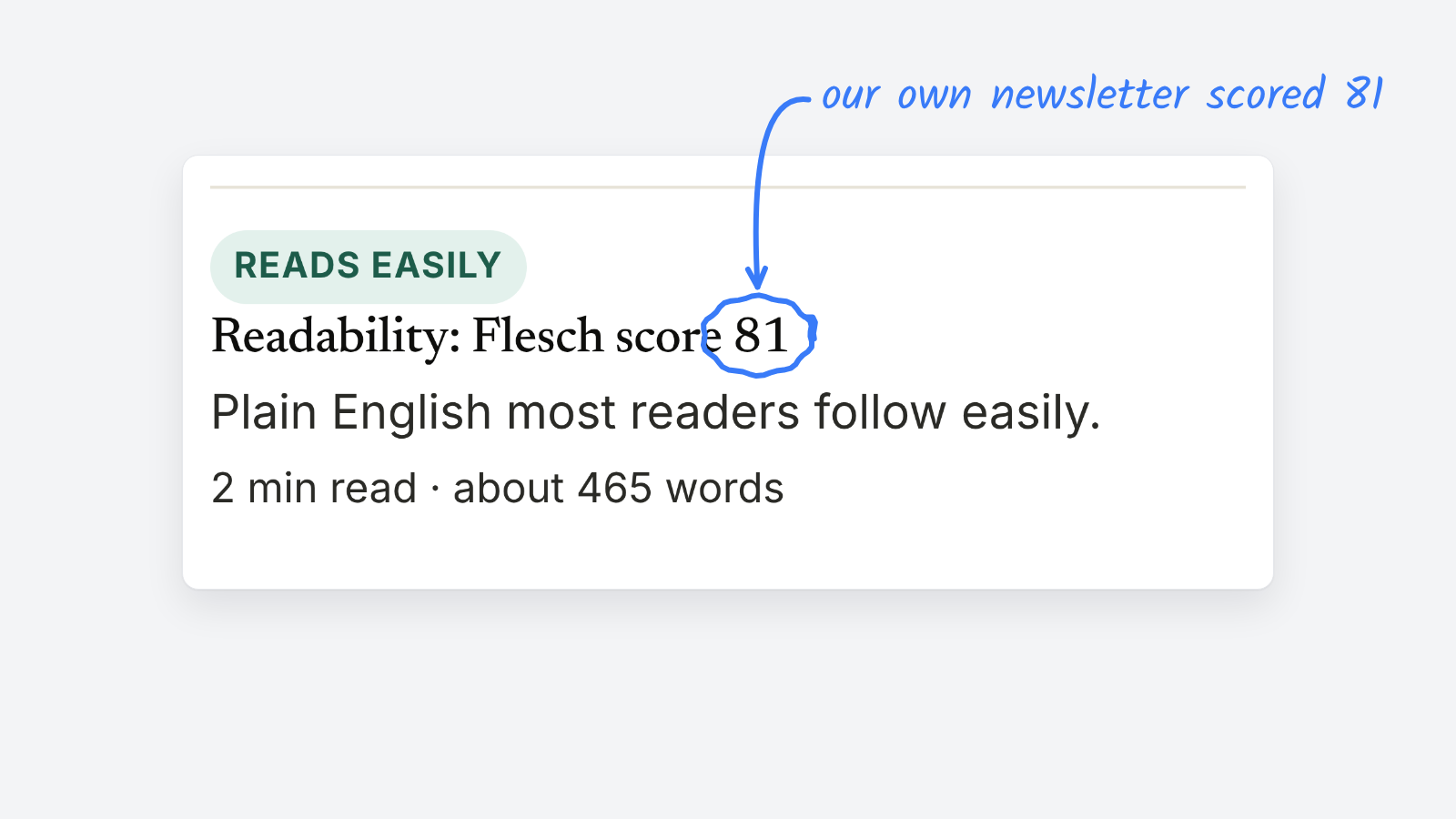
The Flesch reading ease score rates text from 0 to 100, and higher means easier to read. Most newsletters read best at 60 or above, which is where plain English starts. You can score an issue for free by pasting its HTML into the email check in Preflight, which rates readability alongside broken links and Gmail’s clip.
How is the Flesch reading ease score calculated
Rudolf Flesch published the formula in 1948. It only looks at two things: how long your sentences are, and how long your words are.
206.835 − 1.015 × (words ÷ sentences) − 84.6 × (syllables ÷ words)
Long sentences pull the score down. So do words with lots of syllables. Nothing else counts: not your topic, not your jargon, not whether the story is any good.
What is a good Flesch score for a newsletter
| Score | Flesch’s label | What it means for an issue |
|---|---|---|
| 90–100 | Very easy | Short, punchy. Fine for a quick digest. |
| 80–89 | Easy | Reads fast on a phone. A good target for most newsletters. |
| 70–79 | Fairly easy | Conversational. Most readers won’t notice any effort. |
| 60–69 | Plain English | The floor for a general audience. |
| 50–59 | Fairly difficult | Readers start to slow down and skim. |
| 30–49 | Difficult | Fine for a specialist audience that expects it. |
| 0–29 | Very difficult | Academic or legal prose. Hard going in an inbox. |
We ran the Letterhead newsletter that announced our free tools through the check. It scored 81, about 465 words, a two-minute read. That’s where we want a weekly issue to sit.
A policy or business newsletter can land in the 50s and still work, if the sentences stay short and the hard terms get explained. Names, places and technical words drag the score down. That’s fine. Long sentences are the part you can fix.
Why does readability matter more in email
Your issue competes with everything else in the inbox, on a small screen, often in a spare minute. A reader who hits a 40-word sentence at the top is more likely to skim or close it.
It also matters for the machines that read your email first. Inbox AI summaries and text-only email apps read the opening lines and the plain text. Preflight’s email check shows the first words a summary sees, so you can make sure they say something.
How do you raise a newsletter’s readability score
- Split long sentences. Anything over about 25 words can usually become two.
- Swap long words for short ones. Use, not utilize. Help, not facilitate. Start, not commence.
- Keep one idea per paragraph. Three sentences is plenty on a phone.
- Write link text that says where it goes. “Read the council’s budget” beats “click here”.
- Read the first two lines on their own. They’re what the preview, the summary and a skimming reader see.
What a readability score can’t tell you
The score can’t tell whether a story is clear, accurate or interesting. It doesn’t know whether you defined “DMARC” before using it, and it can’t hear your tone. Treat it as a check on sentence length, not a grade for the writing.
If a piece scores low because it’s dense, break it up. If it scores low because it names three agencies and a bill number, leave it alone.
For more on building a check like this into your routine, see the newsletter workflow checklist. For the size limit that cuts off long issues in Gmail, see why Gmail clips newsletters.